
Open source · runs on your machine
Call your coding agents from anywhere.
Terminal on your laptop, chat app on your phone.
Claude Code, Codex, OpenCode and Pi already live in a terminal on your machine. CallYourCode puts every one of them in your pocket as a chat with a voice. You speak, the words land in the pane, the agent works, and it speaks the result back.
Open the app from your own app-server on this machine, or on your phone over your Tailscale network. Run cyc pair for the link.
curl -fsSL https://callyourcode.com/install.sh | sh


The two freedoms
Whatever you run, however you run it. cyc sits over the panes.
Any harness
The four are equal: chat replies, voice both ways, status, context and model, prompts you can answer. A new harness is just a new adapter.
Any mux
tmux is the default, because you already have it and know it. herdr is the opt-in upgrade. Both work at once.
Zero commitment
It sits over the panes; it never replaces them. Sit down at the desk mid-conversation and keep typing. Killing cyc loses nothing.
One roster, every agent
Every pane on the machine, in one chat list.
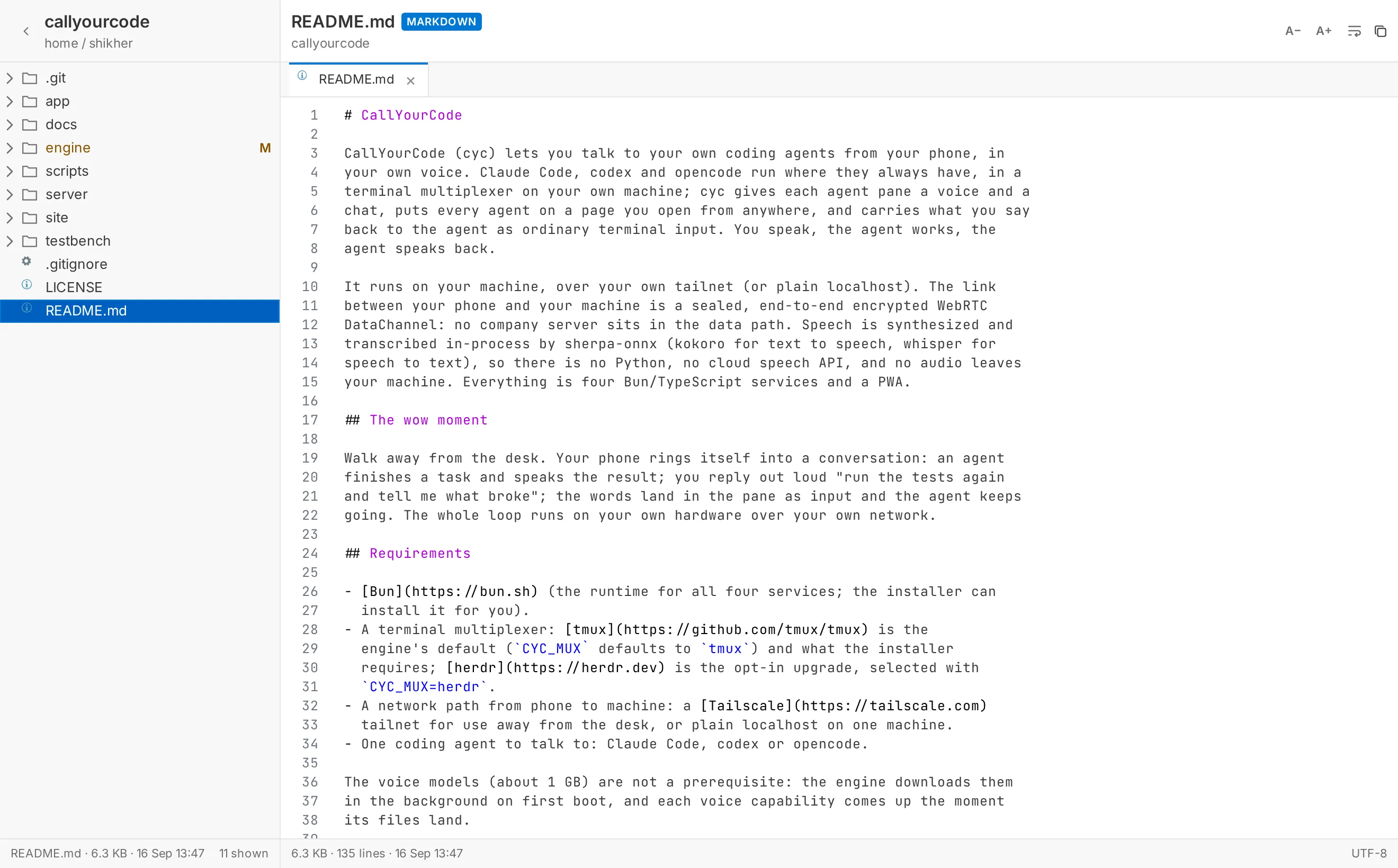
Each with its model, its crons, its git and files pages, and a live terminal view one tap away.


The wow moment
Walk away from the desk.
An agent finishes and your phone speaks the result. You say "run the tests again," and it lands in the pane. The agent keeps going.
Offline first, like WhatsApp
Sends show instantly and retry until acknowledged. A failed delivery is shown honestly, never silently lost.
Voice-first replies
The spoken line lands before the text bubble. Voice is synthesized and transcribed on your machine, then sent over the sealed channel to your phone.
Plugins
Missing a feature? Just ask the AI to code up a plugin.
Engines declare a plugin's surfaces and the app renders them: a card in the conversation, a composer widget, a toolbar entry opening a sandboxed panel.
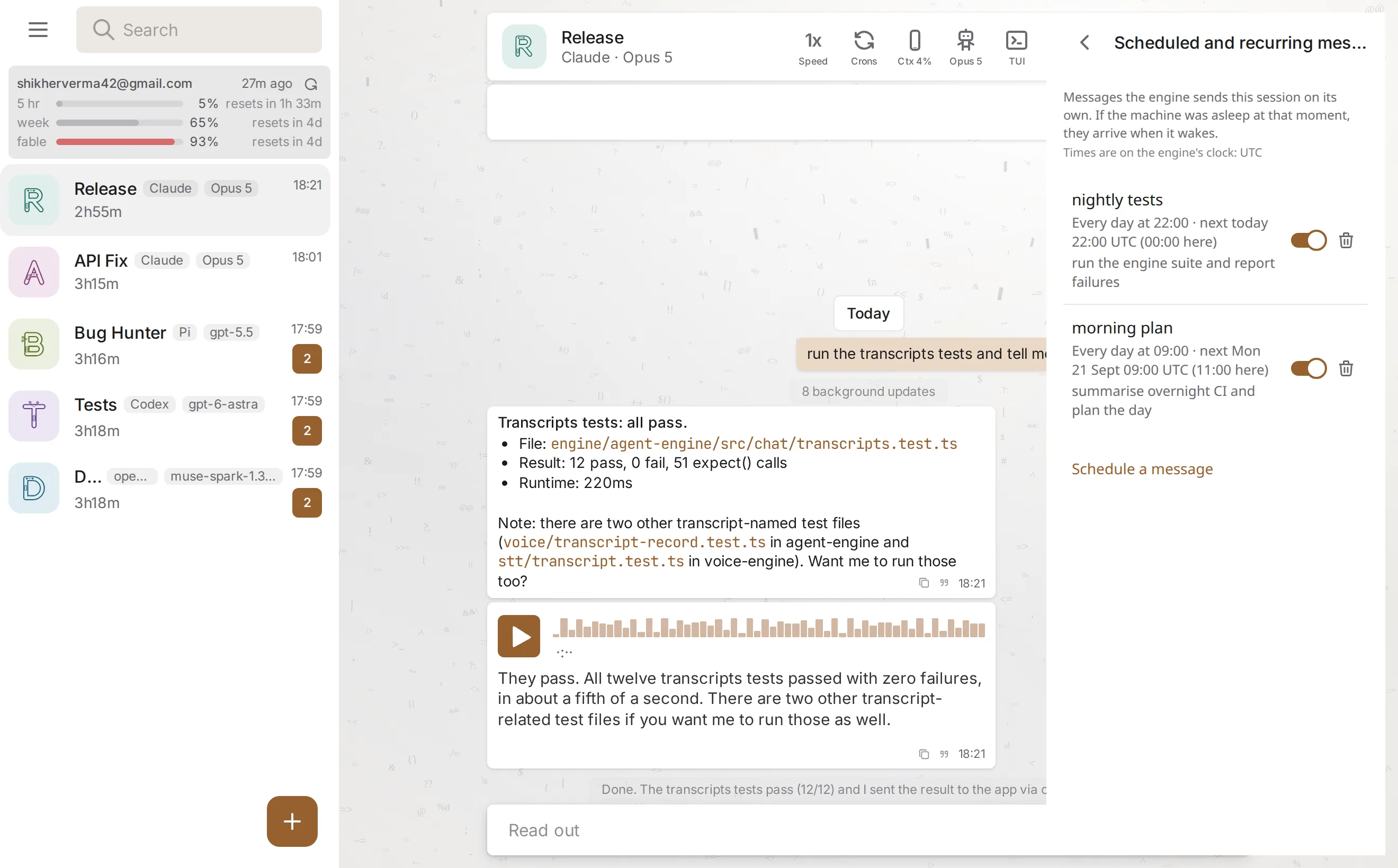
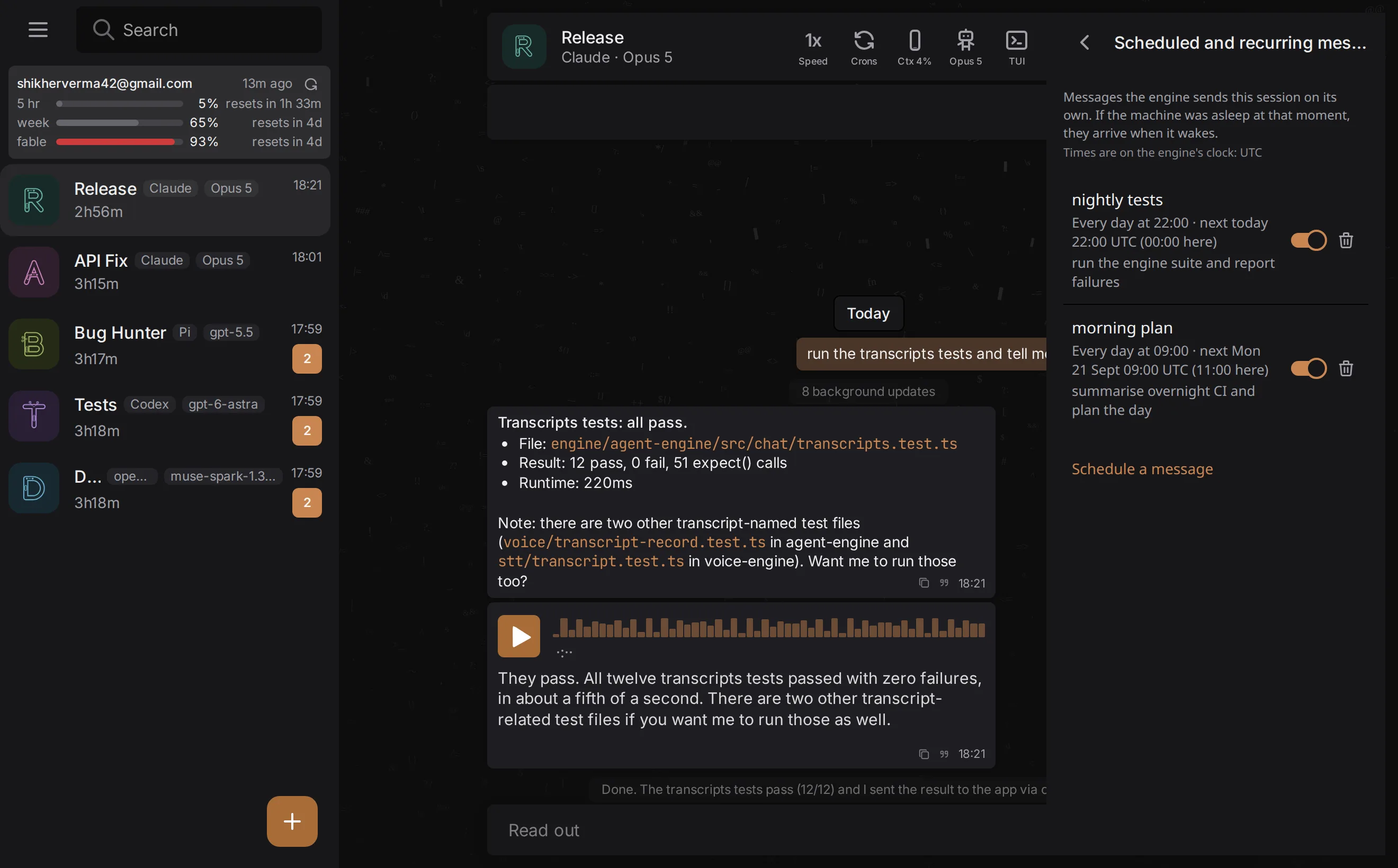
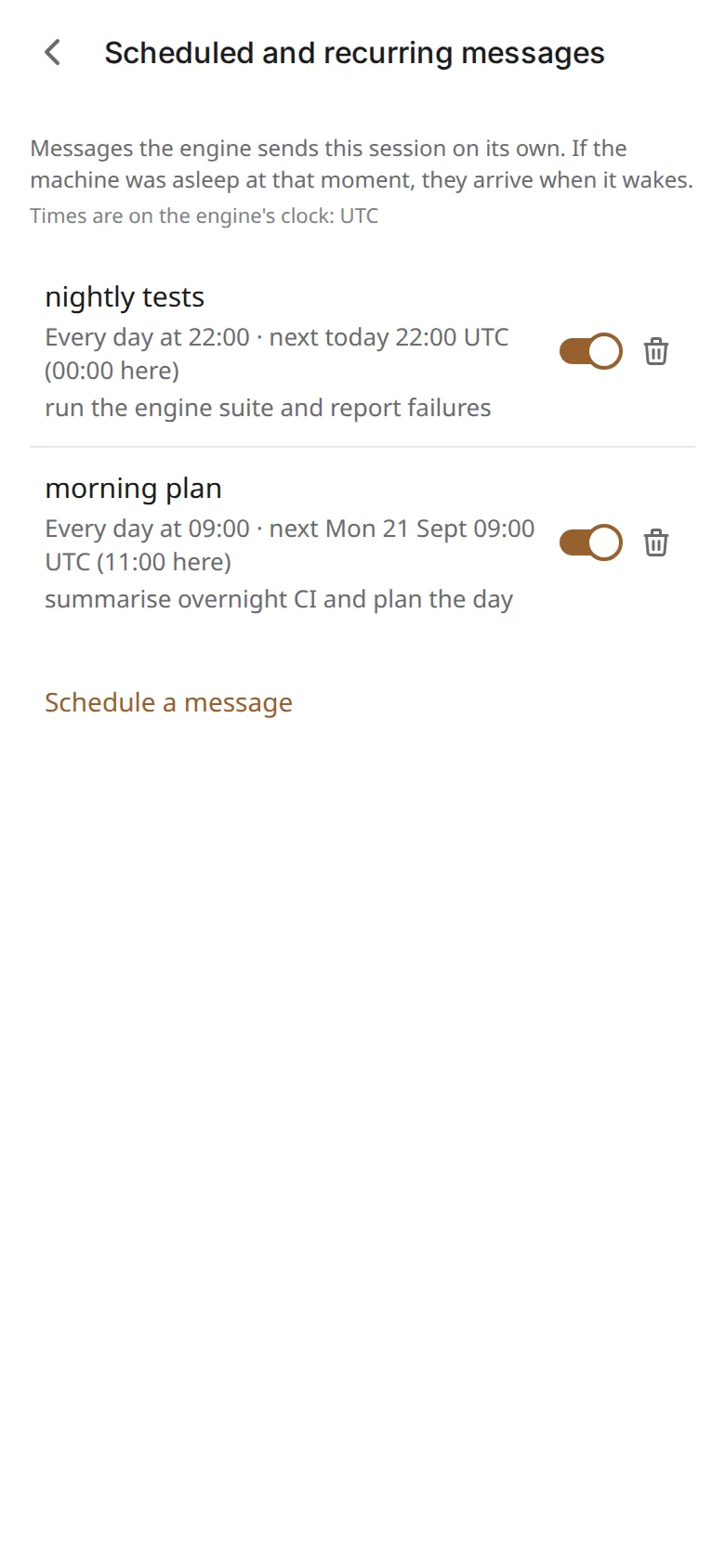
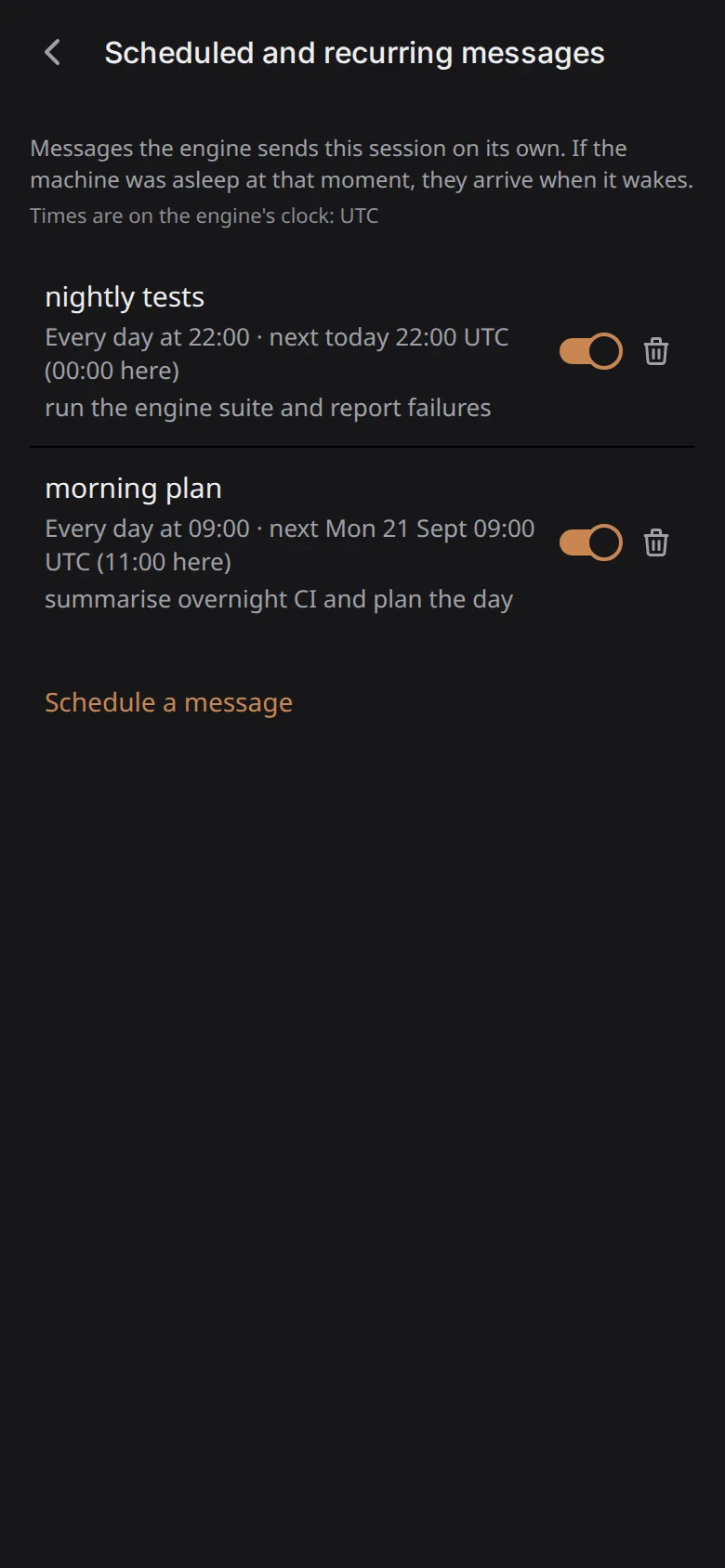
Schedules and reminders for any agent, one-off or repeating. Set them up by just asking the agent; after an outage they catch up once instead of replaying a backlog.
The branch and the changes in the agent's own repo, one tap from the chat.
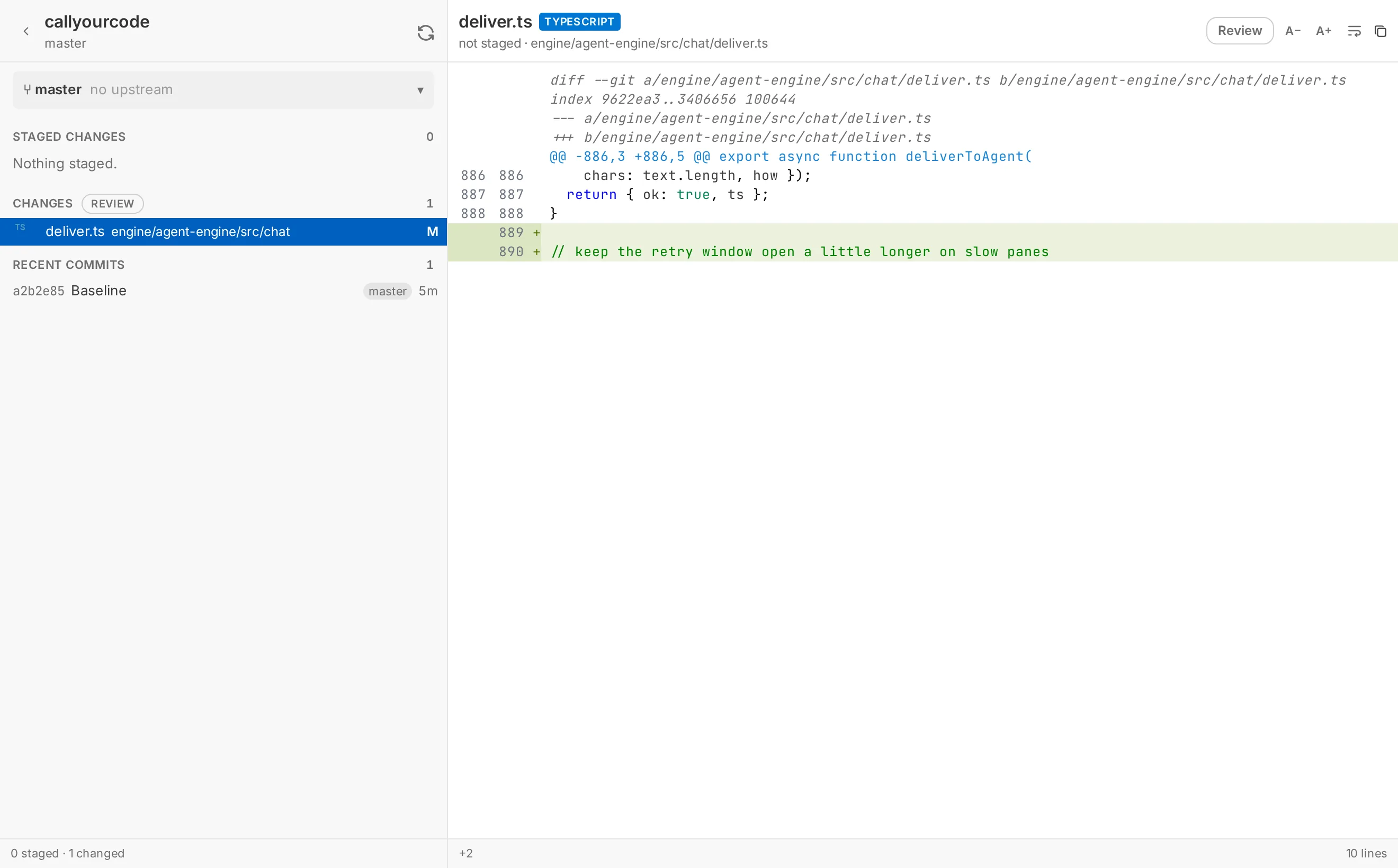
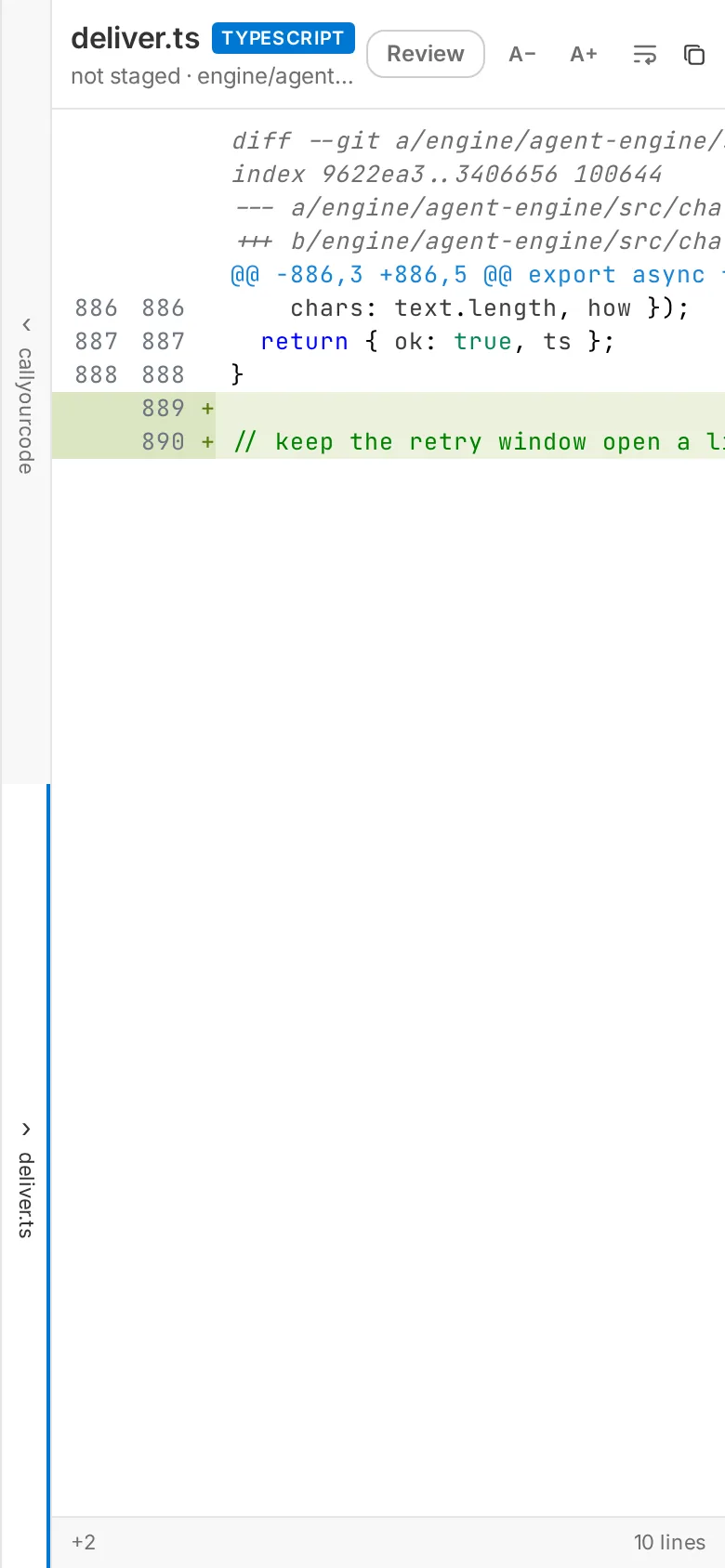
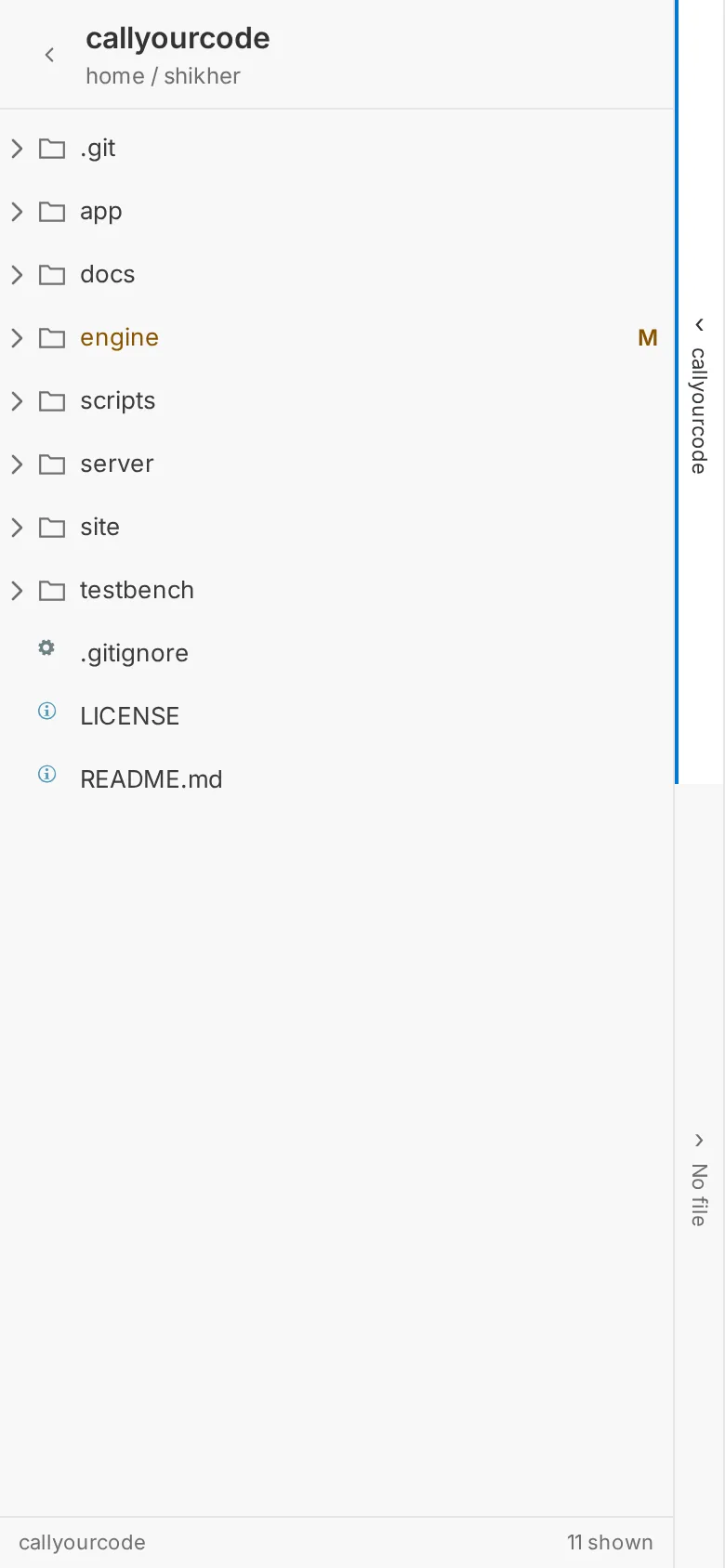
Browse and preview the files the agent is working in, without leaving the conversation.
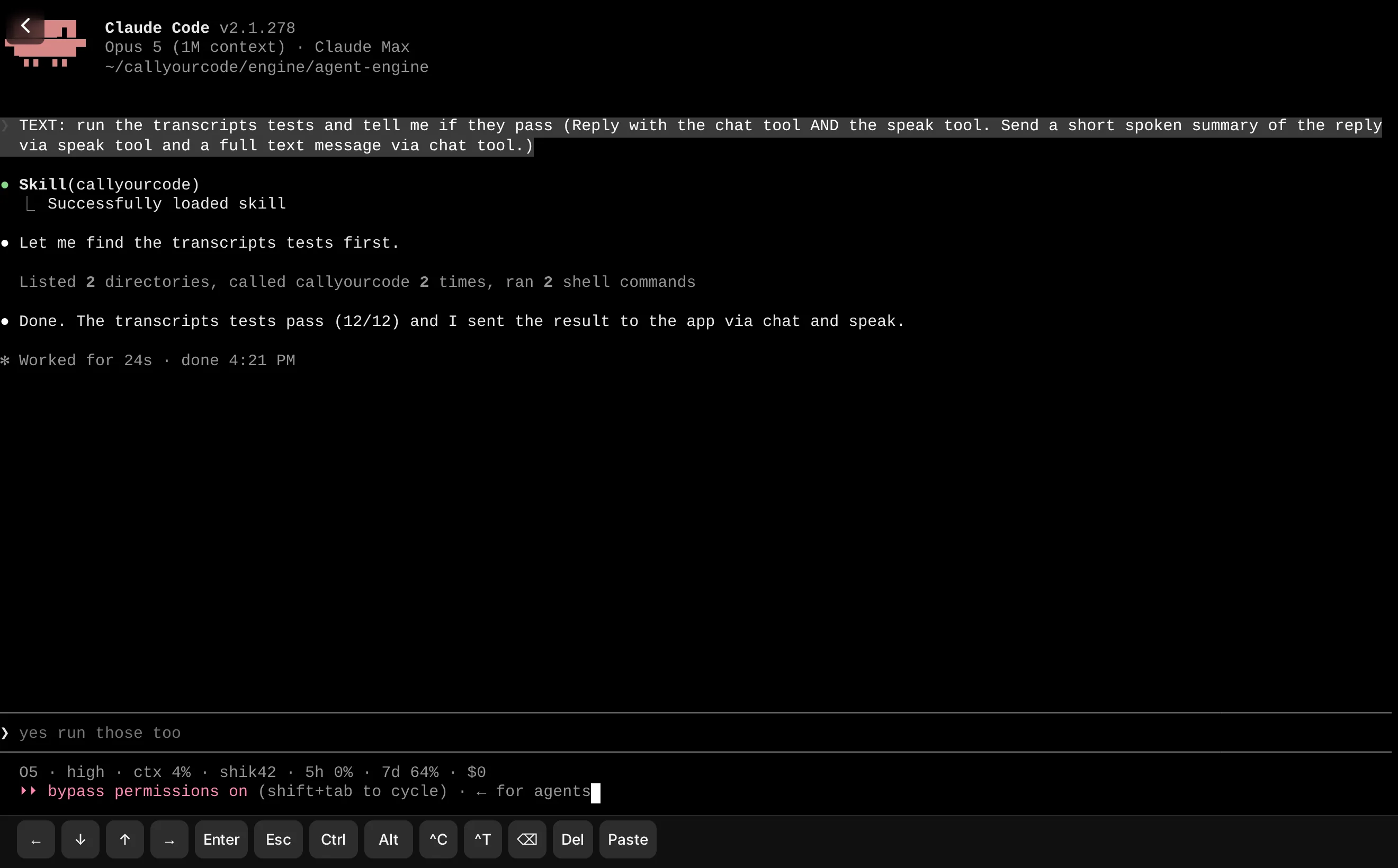
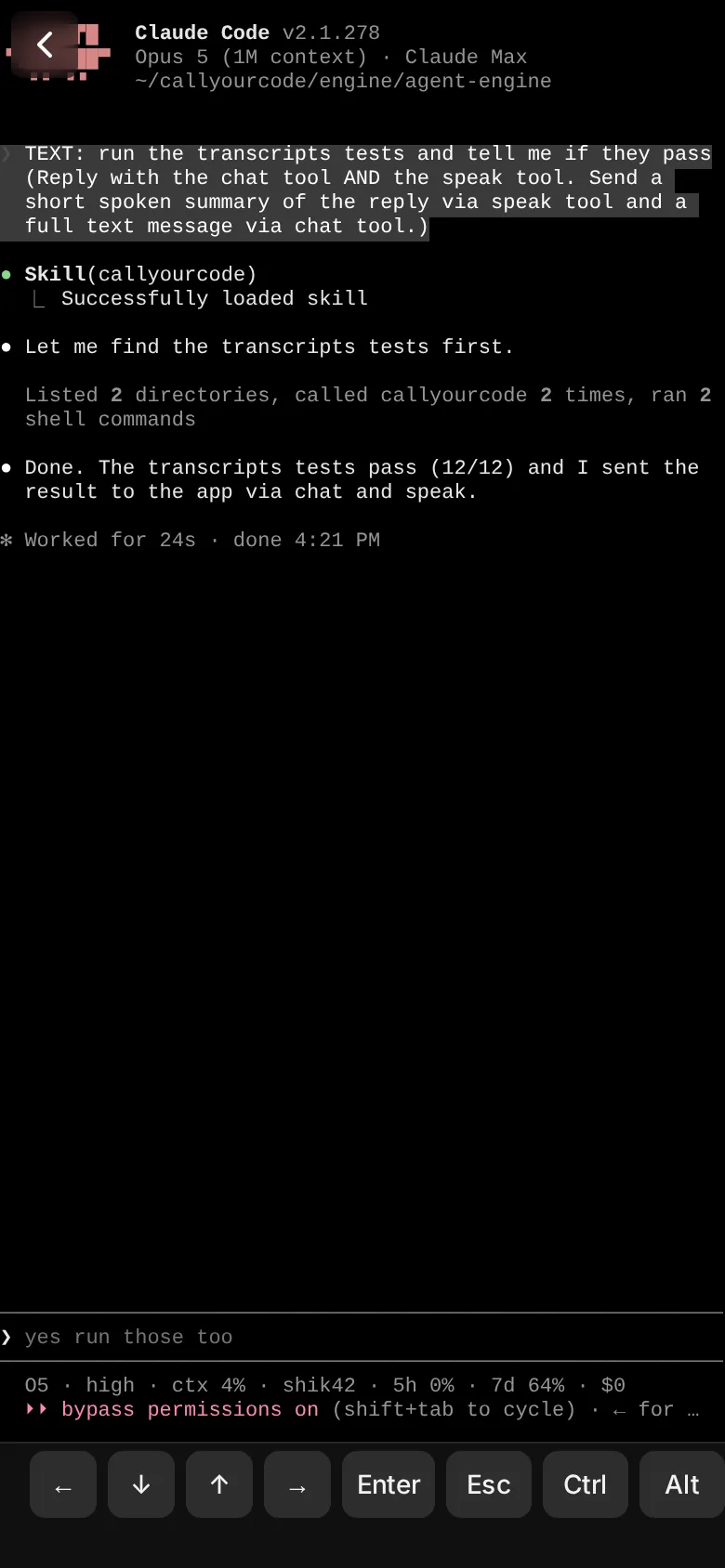
The real terminal, live. The same pane the agent runs in, opened right inside the app.
Privacy
Your machine, your Tailscale network.
Sealed end to end
Chat, voice, files and diffs travel over a WebSocket, sealed end to end with AES-256-GCM. Your pairing key lets you enrol a device.
Voice runs on your machine
Transcription and synthesis run on your machine. Audio and text travel between your phone and engine over the sealed channel.
Open source
All of it. Trust it the way you trust anything that touches your agents: by reading it.
Your terminal coding sessions in a chat app
curl -fsSL https://callyourcode.com/install.sh | sh